Sign In













 Email Marketing

 ABM
 List Building
 Lead Generation
 Growth Hacker
 Digital Marketing
 Data Enrichment
 Software as a Service
 Data as a Service
 Waterfall Enrichment
 Startup
 Revenue Performance
 Job Change Tracking
 Customer Data Platform
 CRM



 Knowledge Base
 Video Tutorials
 Help Center
 Tarpitting Scoring
 ROI Calculator
 About us
 Contact us
 Testimonials
ESP integrations
Clean lists inside your email service provider before a campaign goes out.
- Bulk clean existing lists
- Ongoing checks on new subscribers
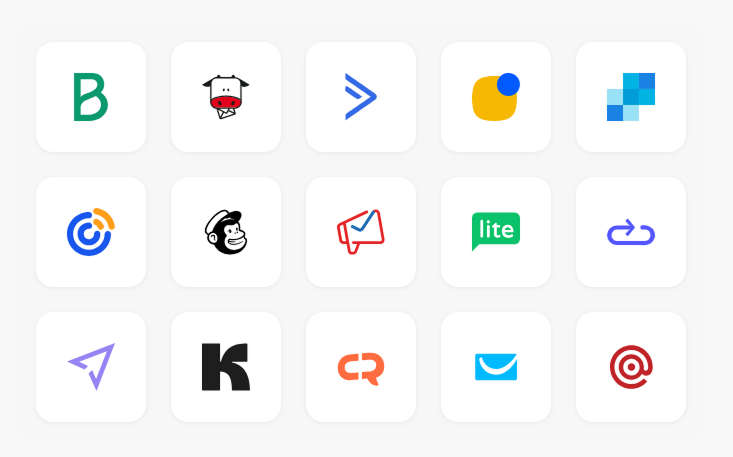
Popular: Mailchimp, Brevo, Klaviyo, ActiveCampaign
View integration
 Blog
FAQ
Case Studies
Knowledge Base
Video Tutorials
Help Center
SEG Validation
Tarpitting Scoring
ROI Calculator
About us
Contact us
Testimonials
Validate emails where your contacts already live, without exporting a single list
Connect the Gamalogic email validation API to your email service provider, CRM, forms and no-code workflows. New contacts are checked as they arrive, existing lists are cleaned in bulk, and the result goes back to the tool your team works in.
Each type has its own page with setup details. Pick the one that matches where your contacts enter.
Clean lists inside your email service provider before a campaign goes out.
Popular: Mailchimp, Brevo, Klaviyo, ActiveCampaign
View integration
Validate contacts when they are created or updated, and sync the status back.
Popular: HubSpot, Salesforce, Pipedrive, Zoho CRM
View integrationAdd a validation step to no-code workflows for lead capture, enrichment and routing.
Verify prospect lists before they load into a sequence, so outreach doesn't bounce.
Popular: Apollo, Outreach, lemlist, Smartlead
Browse tools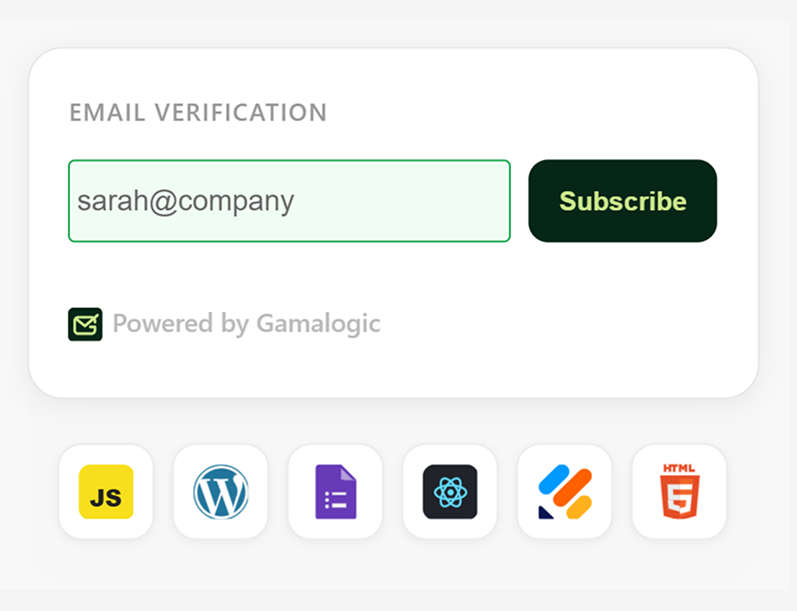
Check emails on forms as visitors type, with no back-end work.
Popular: WordPress, Typeform, Shopify
View integration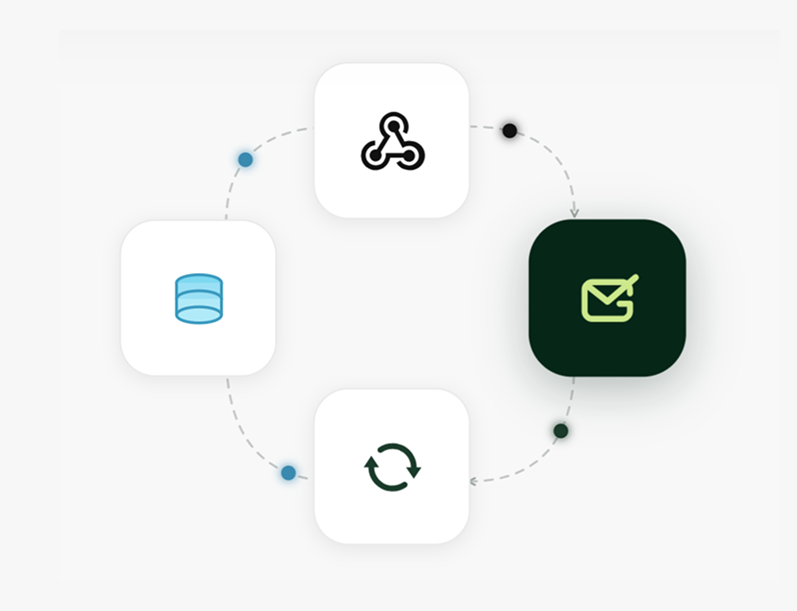
Real-time validation events by webhook, plus scheduled cleaning of large databases.
For large databases and custom pipelines.
View integrationStart from what you want to do. Most teams use two: one for new contacts and one for the lists they already have.
| You want to | Use | Validation runs |
|---|---|---|
| Clean a list before a campaign | ESP integration | Before each send, and on new subscribers |
| Stop bad contacts entering the CRM | CRM integration | When a contact is created or updated |
| Validate form signups without code | Website widget | As the visitor types |
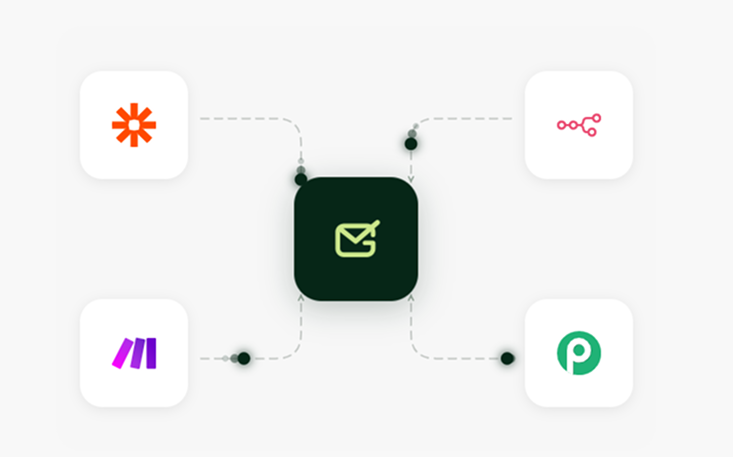
| Connect apps without code | Zapier, Make or Pabbly | Whenever the workflow runs |
| Clean a large database on a schedule | Webhook and Sync | Continuously or on a schedule |
| Check emails in a spreadsheet | Google Sheets | When you run it on a column |
| Build validation into your own app | Real-time API | On every request |
Every integration follows the same three steps, whether it is a native connector, a Zap or an API call.
Generate an API key in the Gamalogic dashboard and add it to the tool you want to connect.
Pick when validation runs: a new contact, a list import, a form submit or a schedule.
Use the status to filter, tag or route contacts. CRM integrations sync it back to the record.
Each app has its own setup page. The full A to Z list lives on the platforms directory.
Exporting a CSV, cleaning it and importing it back works once. Integrations keep data clean every day, because validation runs where contacts are created.
Every integration runs on the same Gamalogic email validation API as bulk and real-time validation, including catch-all detection.

Any platform with API support can connect through the REST API. For high volume or a custom setup, talk to our team.
Gamalogic connects to email service providers, CRMs, sales engagement tools, forms and no-code platforms such as Zapier and Make. See every app on the platforms directory. Any other tool with API support can connect through the real-time API.
No. ESP, CRM, widget and workflow automation integrations are built for no-code or low-code setup. You only need a developer for a custom integration through the API.
Validated email statuses are synced back to the CRM, so teams keep clean and accurate contact records. Validation can run when a lead is created or updated.
Yes. ESP integrations can clean existing lists in bulk and keep validating new contacts as they are added.
Webhooks handle real-time validation events, while sync performs continuous or scheduled database cleaning. Sync suits large existing databases. See Webhook & Sync.
Yes. The JS widget embeds into forms and validates email addresses as users type, without direct back-end development.
Each integration uses a secure API key generated in the Gamalogic dashboard. The API returns results in structured JSON.
Create an account, copy your API key and connect a tool in minutes. You get 500 free credits, with no credit card.